
Problem
App sprawl without enough evidence to make cleanup decisions
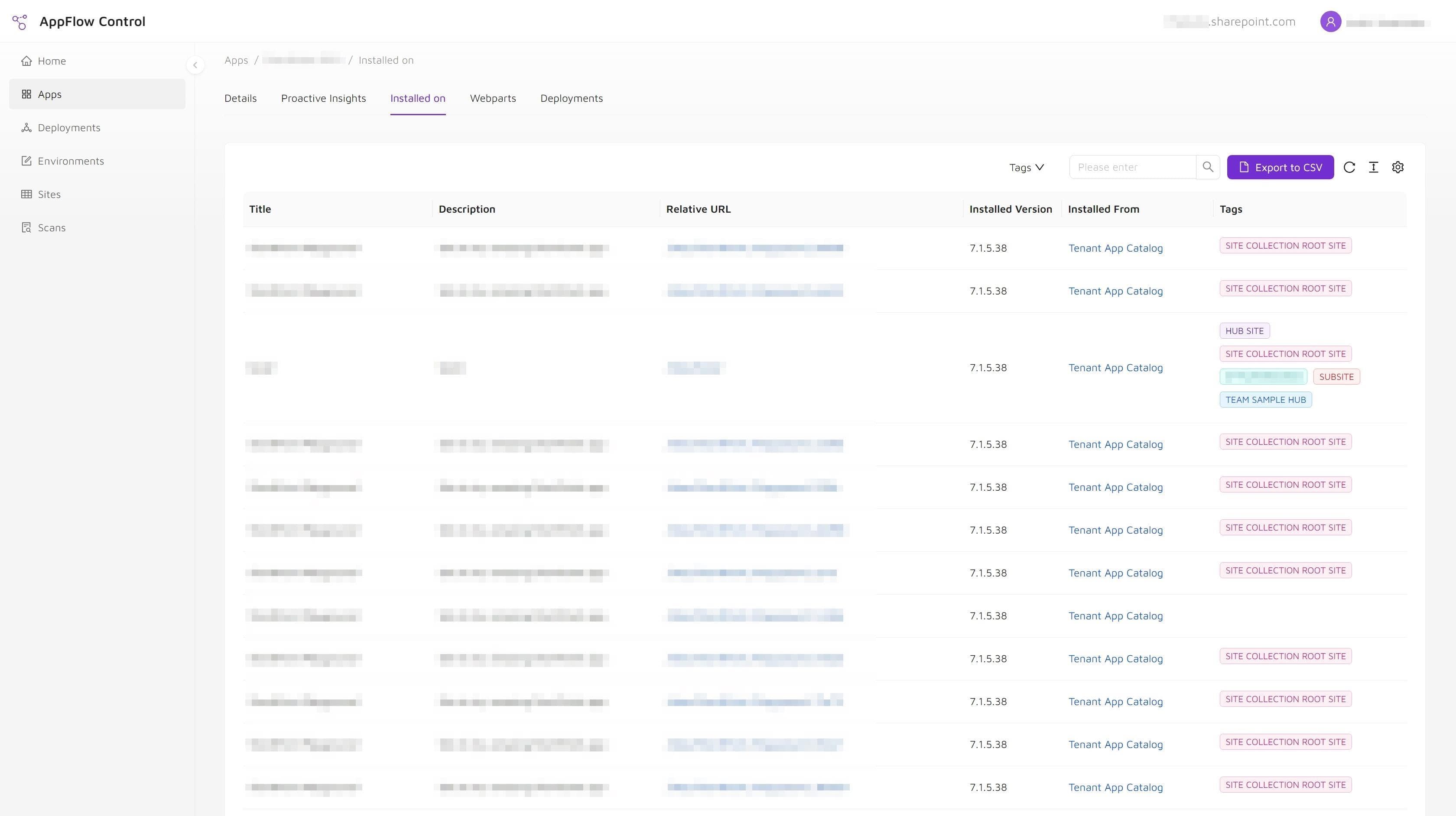
The organization had accumulated custom and third-party SharePoint apps across sites owned by different teams. Installation records showed where packages existed, but they did not show whether web parts were still placed on pages or who could approve retirement.
- Governance reviews repeatedly surfaced apps with unclear ownership and purpose.
- Installation state was being treated as a proxy for adoption even though page usage had not been checked.
- Administrators avoided cleanup because they could not defend a removal decision with current evidence.
Solution
Combining installation inventory with page-level usage and owner review
The team used AppFlow Control to review app installations and detected web part placements, then grouped candidates for owner validation instead of labeling every installed package as active or every quiet package as unused.
- Installation and page-level usage were reviewed as separate evidence layers.
- Apps with no detected page placement became review candidates rather than automatic deletion targets.
- Ownership and exception decisions were recorded before any uninstall or package-removal work.
Outcome
A defensible cleanup backlog and clearer app ownership
The governance team moved from a broad concern about app sprawl to a prioritized review process, allowing confirmed retirement candidates to be addressed without treating incomplete inventory as proof.
- Clearer ownership conversations around custom and third-party SharePoint apps.
- Better renewal and retirement decisions based on installation, usage, and owner evidence together.
- Reduced tenant sprawl through confirmed cleanup candidates rather than blanket removal.
Solutions Used
Primary solution
Product
AppFlow Control
AppFlow Control supplied the installation and web part usage views used to identify candidates, separate availability from page placement, and prepare evidence for owner review.
View product pageSupporting solution
Service
Microsoft 365 Administration
The Microsoft 365 administration engagement defined the ownership review, exception handling, and retirement process around the product-generated evidence.
View service pageWhy Install-Only Governance Was Not Enough
The original review process could identify catalog entries and some site installations, but that was not enough to make a responsible retirement decision.
The team needed to avoid two opposite errors:
- counting every installed app as actively used;
- and assuming that an app with little support activity was safe to remove.
Page-level web part placement added another evidence layer, but it was still not treated as complete adoption analytics. A component could support another integration pattern, a page could be temporarily unpublished, or an owner could know about a dependency the inventory did not classify. That is why the workflow used inventory to prioritize human review rather than automate the business decision.
Operational Takeaways
Tenant hygiene improves when governance becomes a sequence of answerable questions:
- Where is the app available?
- Where is it installed?
- Where are its web parts placed?
- Who owns the remaining business dependency?
- Which candidates are confirmed for retirement, replacement, or exception?
This approach gives administrators a practical bridge between policy and execution. The related guides installed on a SharePoint site is not the same as used on a page and SharePoint governance tools and the app lifecycle visibility gap explain how those evidence layers fit into a wider governance model.
Next step
Turn SharePoint app inventory into a governed cleanup workflow
Use installation and page-level usage evidence to prioritize owner review, confirm retirement candidates, and reduce app sprawl without treating incomplete data as proof.