
Case Studies
Outcome-focused proof for SharePoint and Microsoft 365 delivery.
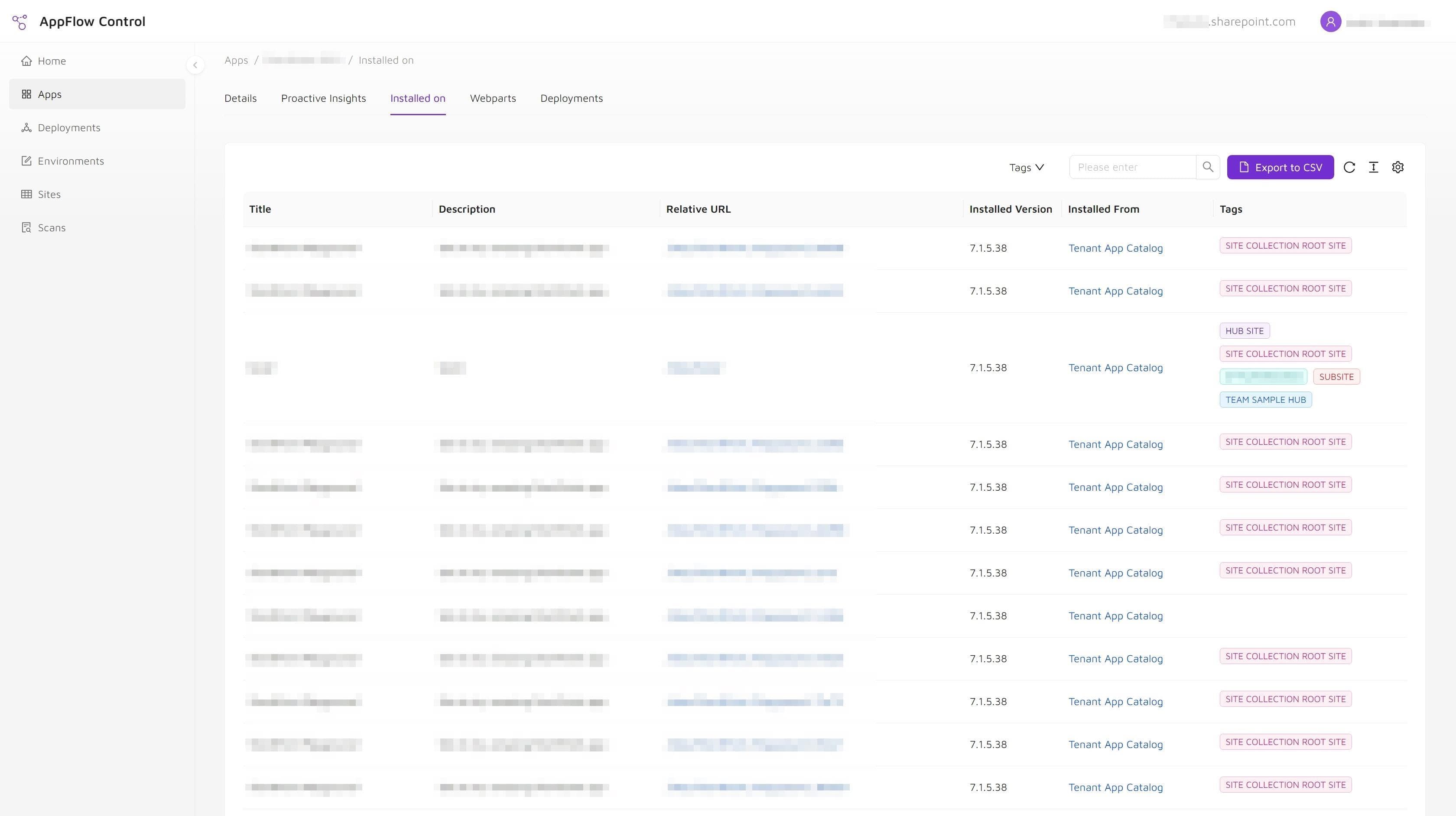
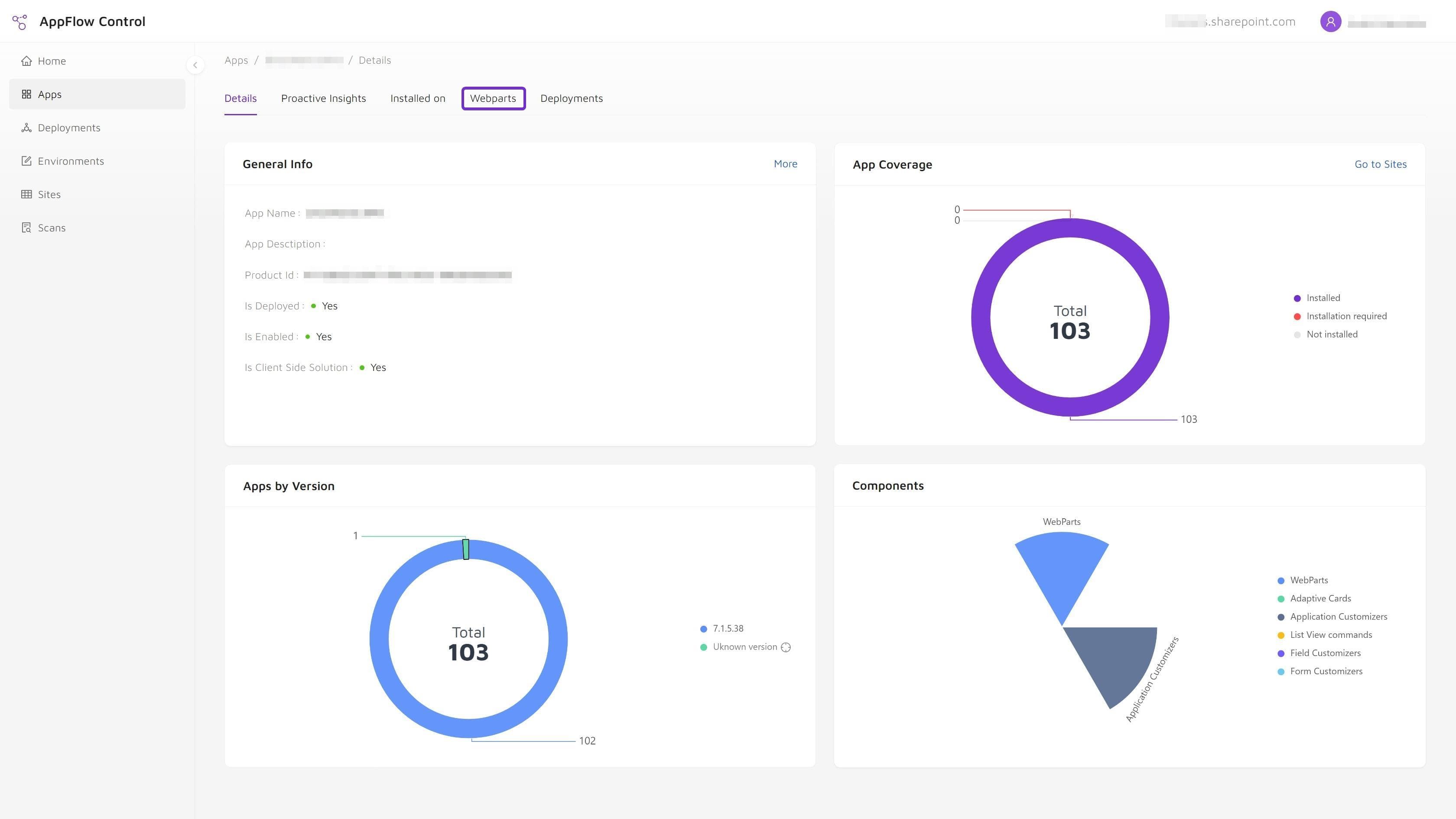
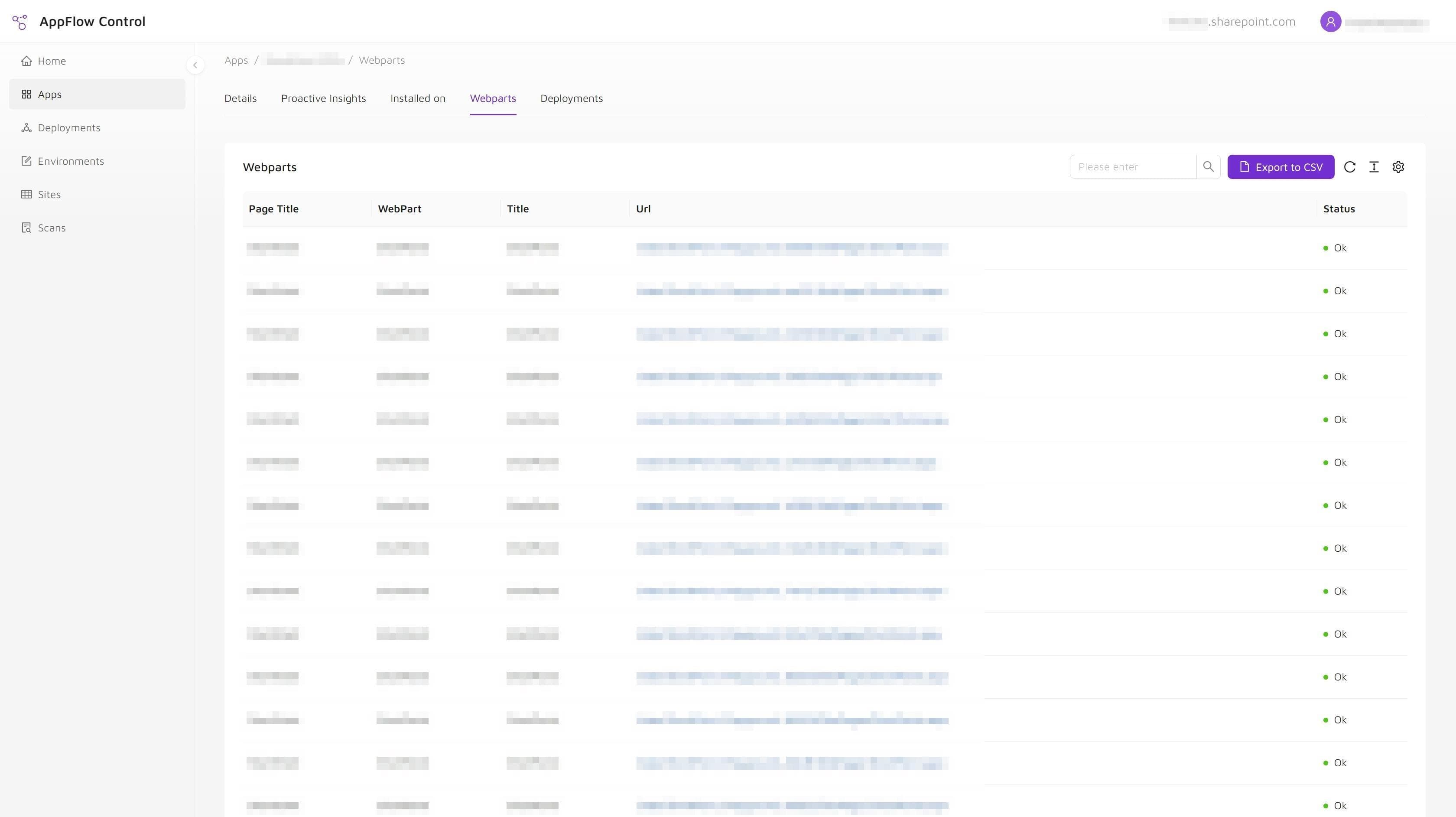
See how SharePoint administration teams reduce rollout risk, replace repeated manual inventory work, and make app lifecycle decisions with clearer evidence before upgrades, audits, or retirement work begins.
Featured case studies
SharePoint and Microsoft 365 case studies for rollout visibility and safer admin decisions.
These examples focus on the problems administrators recognize quickly: high-risk updates, inventory audits, and the friction that appears once a SharePoint estate grows beyond a handful of sites.
Proof signals
Operational outcomes these SharePoint and Microsoft 365 case studies are built to prove.
Look for outcomes that matter before the next change window: clearer scope, faster validation, and less dependence on one-off scripting.
Safer rollouts
Clearer inventory
Faster troubleshooting
Evaluate next
Product, service, and article pages for your next SharePoint administration decision.
Move from the outcome story into AppFlow Control, implementation services, or technical guides depending on the problem you need to solve next.
Next step
AppFlow Control
See the product page for the workflows aimed at deployment visibility and estate-wide control.
Explore this sectionNext step
Articles
Review the technical guides that show how rollout and troubleshooting tasks are handled in practice.
Explore this sectionNext step
Services
Understand the delivery areas that connect productized tooling with real operational support.
Explore this section