
Problem
Legacy packages could not be removed safely from incomplete records
The organization had old custom SharePoint apps that no longer fit its supported architecture. Administrators knew the packages should be retired, but they could not confirm every installation or page that still depended on their web parts.
- Package ownership and deployment history were incomplete.
- Removing a catalog package before page cleanup could leave broken production experiences.
- The team needed evidence that business owners could validate before approving the change.
Solution
Mapping installations and page dependencies before staged cleanup
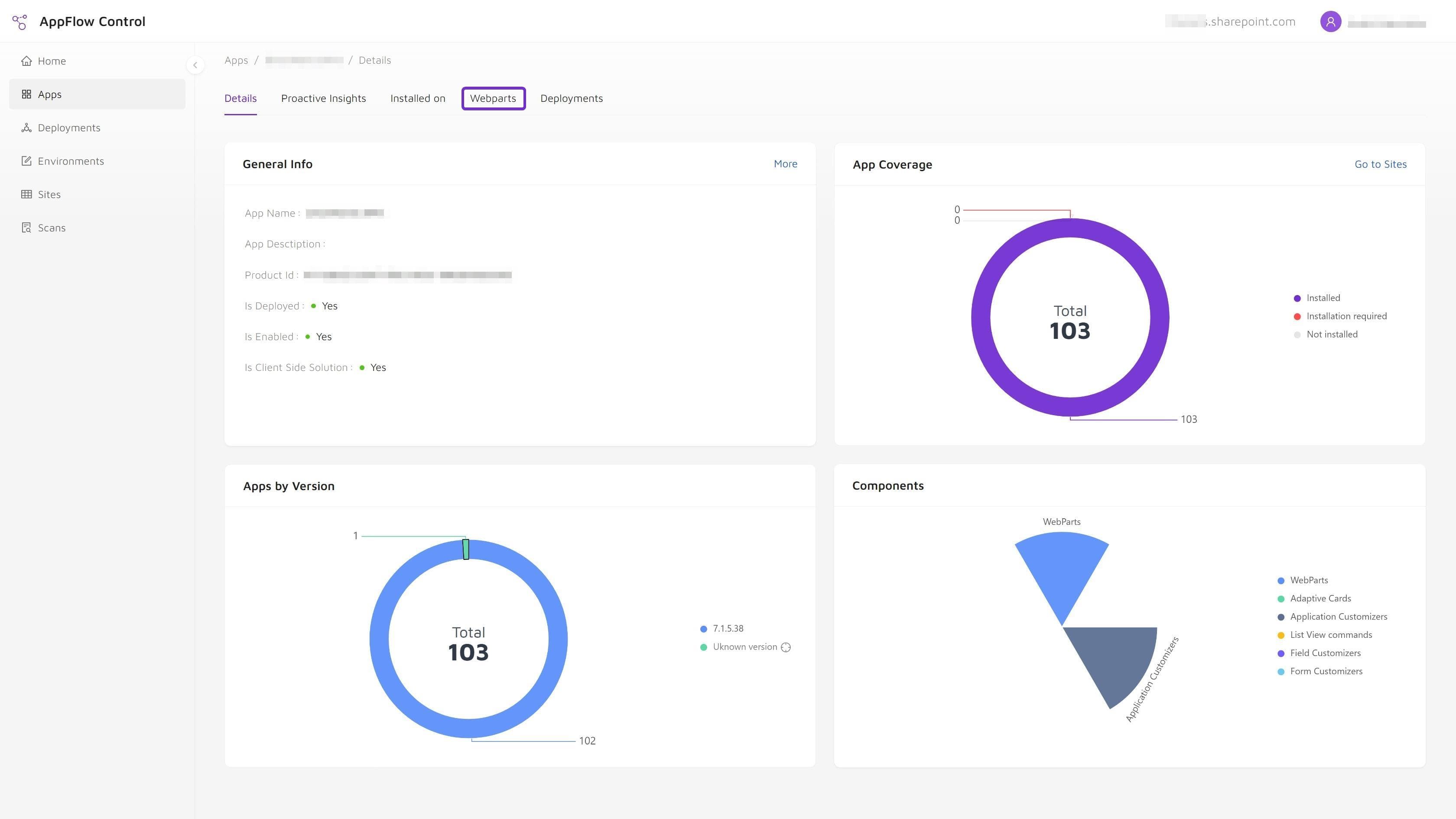
The team used AppFlow Control to build installation and web part usage inventories, mapped affected pages to owners, and staged page cleanup, site uninstalls, and catalog actions as separate verification steps.
- Installation scope and page-level usage were reviewed separately.
- Owners validated replacement or removal decisions for affected pages.
- The team compared post-change inventory with the baseline before closing the retirement record.
Outcome
Safer retirement with fewer unknowns around production pages
The legacy apps were moved through a controlled retirement process with clearer ownership, a narrower cleanup scope, and evidence that remaining exceptions were intentional.
- Production-page cleanup happened before package removal rather than after a visible failure.
- Administrators had a repeatable verification model for future app retirements.
- Governance records distinguished completed cleanup from approved exceptions.
Solutions Used
Primary solution
Product
AppFlow Control
AppFlow Control provided the installation and page-level web part evidence used to scope cleanup, support owner validation, and verify the SharePoint app retirement workflow.
View product pageSupporting solution
Service
Microsoft 365 Administration
The Microsoft 365 administration engagement structured the retirement gates, owner communication, exception handling, and post-change evidence review.
View service pageSupporting solution
Service
Custom SharePoint Solutions
Custom SharePoint solution support helped evaluate replacement paths where a legacy component still served an active business requirement.
View service pageWhy A Catalog-First Retirement Would Have Failed
Deleting the package first would have turned discovery into incident response. The team would only learn about some dependencies when a site owner reported a broken component or an incomplete page.
The safer sequence started with evidence:
- identify the exact packages and components;
- locate app installations;
- find modern pages containing the related web parts;
- confirm page ownership and treatment;
- clean or replace page components;
- uninstall site instances;
- then complete catalog and related dependency cleanup.
Breaking the work into stages allowed the team to pause when ownership was unclear without abandoning the whole retirement program.
Operational Takeaways
Safe retirement is an application lifecycle workflow, not a delete command. A useful retirement record should make the before-and-after state understandable to someone who did not execute the change.
That means retaining package identifiers, installation and page-usage evidence, owner decisions, exceptions, execution results, and final verification. The detailed checklist in how to retire SharePoint apps and SPFx web parts without breaking production pages turns that evidence into a repeatable process. For the discovery step, use how to find where a SharePoint web part is used before you update or remove it.
Next step
Map SharePoint app dependencies before the retirement window opens
Use AppFlow Control to identify installation and page-level usage scope before staged cleanup, owner validation, and package removal begin.