
Service
Azure Delivery and Integration
Azure-backed delivery for integrations, automation, and secure operational workflows that support SharePoint and Microsoft 365 solutions.
Why this service matters
Azure Delivery and Integration outcomes for safer governance, delivery, and operational ownership.
When SharePoint projects need supporting services, automation, or controlled integrations, this pillar adds Azure expertise without forcing teams into ad hoc infrastructure decisions.
Integration without ad hoc infrastructure
Delivery patterns that scale
Operational controls built in
Methodology
Azure Delivery and Integration delivery methodology for supportable operations.
Step 1
Discovery
Review the current estate, identify operational friction, and clarify how deployment, support, and governance work today.
Step 2
Architecture
Shape the technical path around SharePoint constraints, Microsoft 365 governance, and the integration points that matter.
Step 3
Delivery
Implement with rollout safety in mind so teams can avoid brittle scripts and one-off operational steps.
Step 4
Operational handoff
Document the solution, align support workflows, and leave the team with a maintainable process rather than hidden tribal knowledge.
Tech stack
Azure Delivery and Integration technologies across SharePoint, Microsoft 365, and Azure.
Outcomes
- Connect business workflows with operational safeguards
- Support predictable deployment pipelines
- Keep integrations maintainable over time
Related proof and guides
Azure Delivery and Integration articles for SharePoint and Microsoft 365 delivery workflows.
Use these guides to prepare for the SharePoint administration decisions this service is designed to support.
Consultation
Talk through Azure-backed delivery needs
Choose this service when SharePoint or Microsoft 365 work also needs secure automation, integration design, or supporting Azure delivery patterns.
Next step
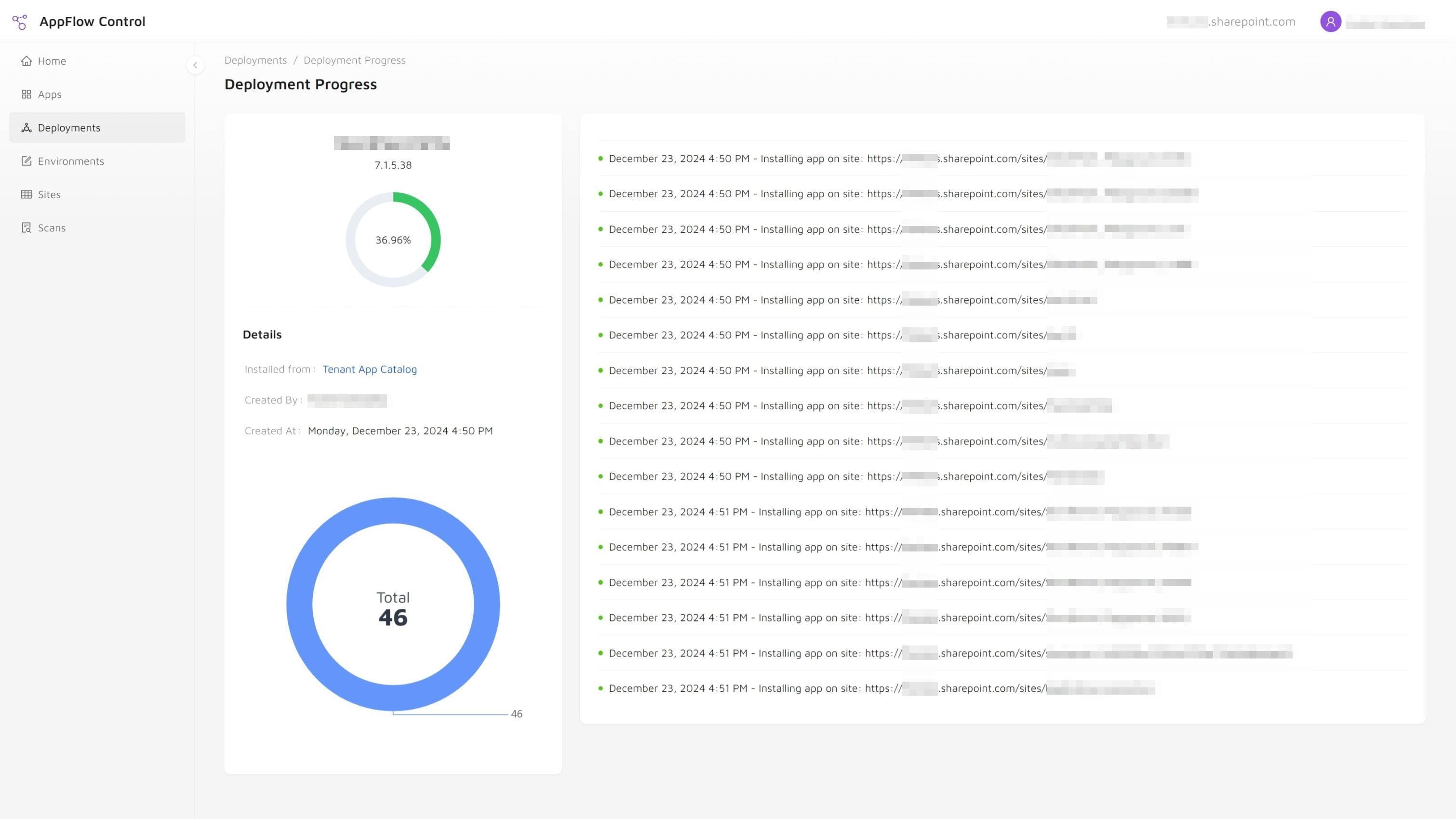
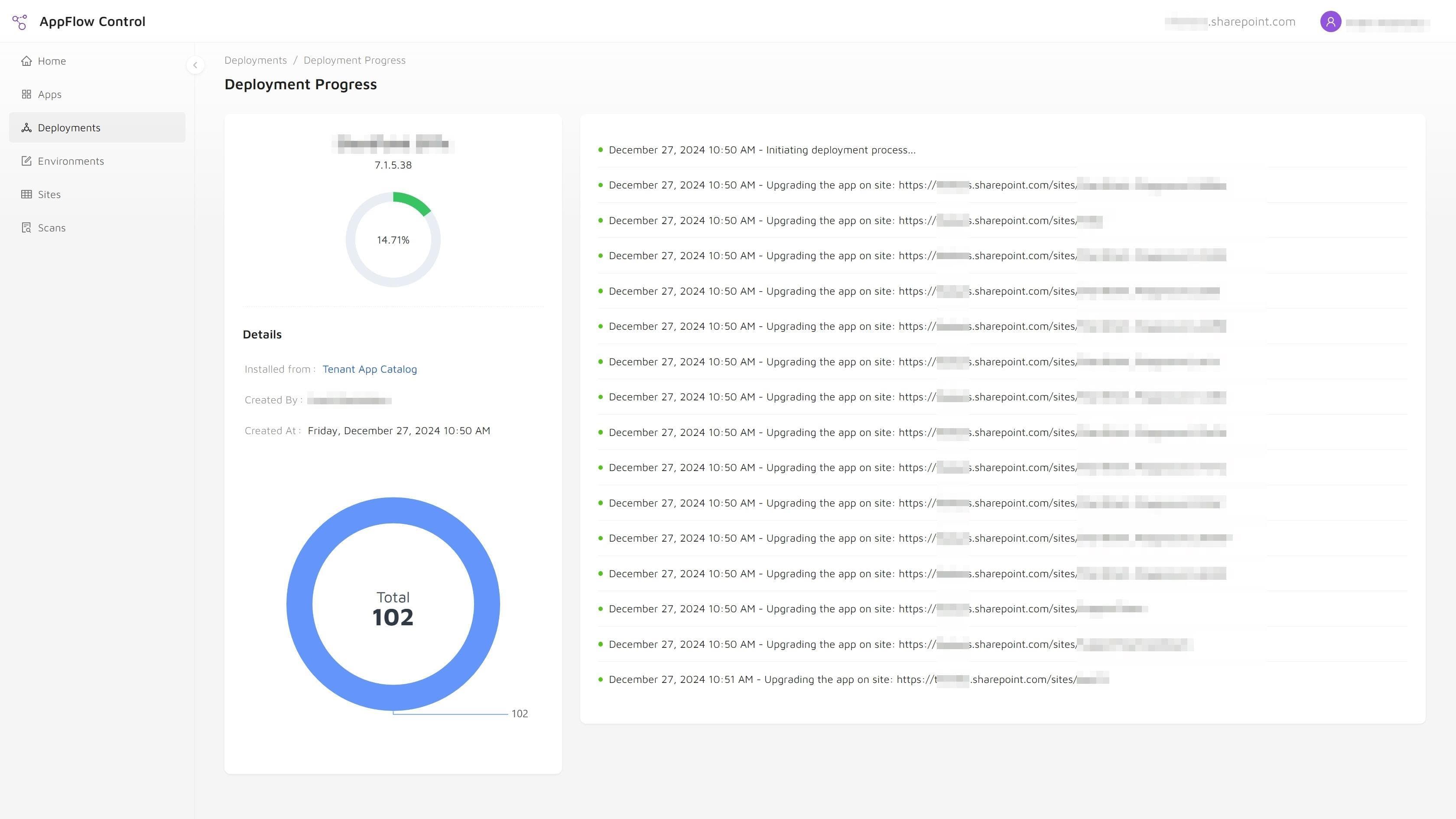
Continue with AppFlow Control or practical SharePoint administration guides.
If your next decision depends on app inventory, rollout scope, or usage visibility, review the product and guides before the next planning session.