
Product
AppFlow Control
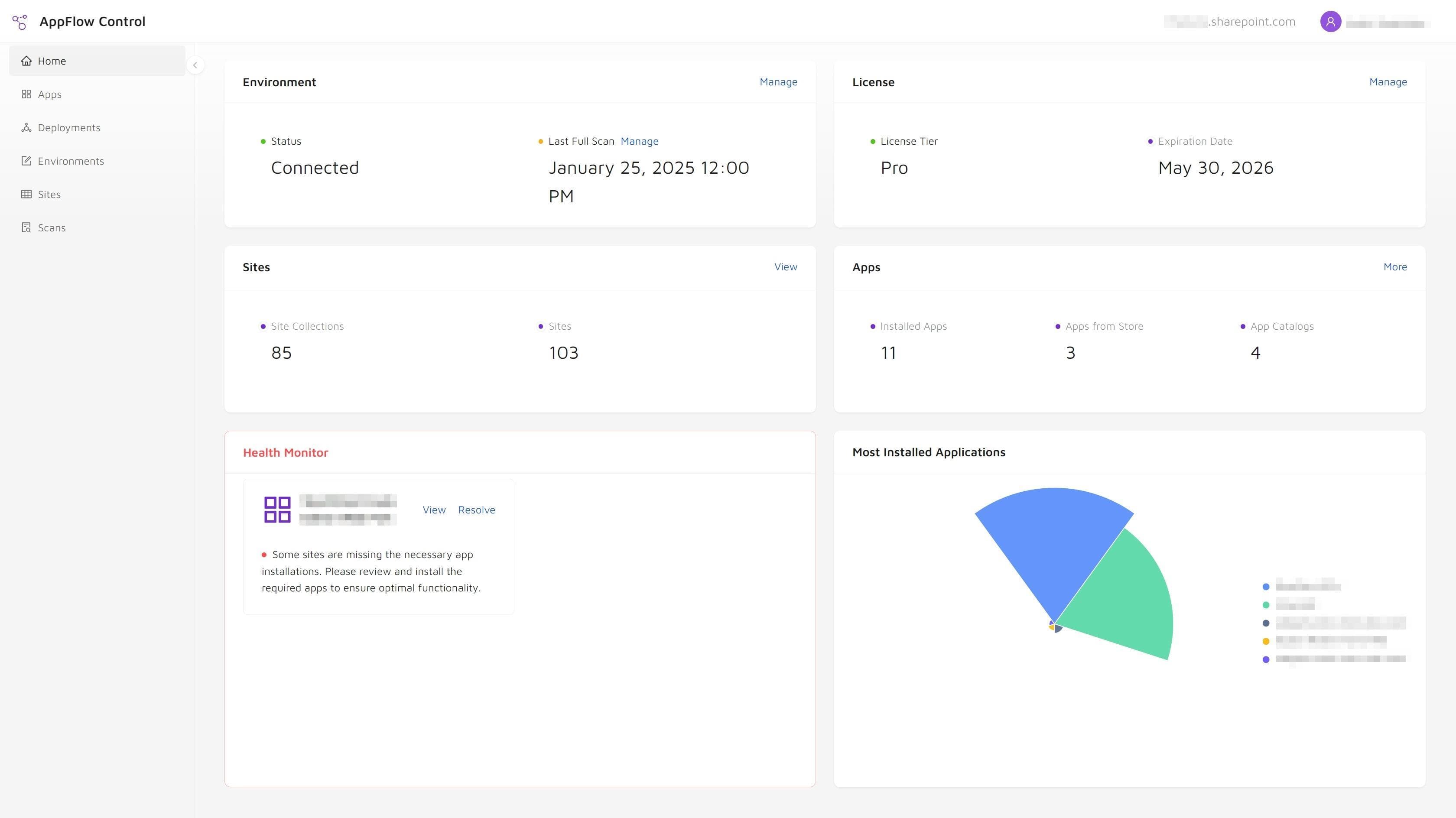
A practical control plane for SharePoint application management, built for teams that need visibility, safer upgrades, and less manual overhead.
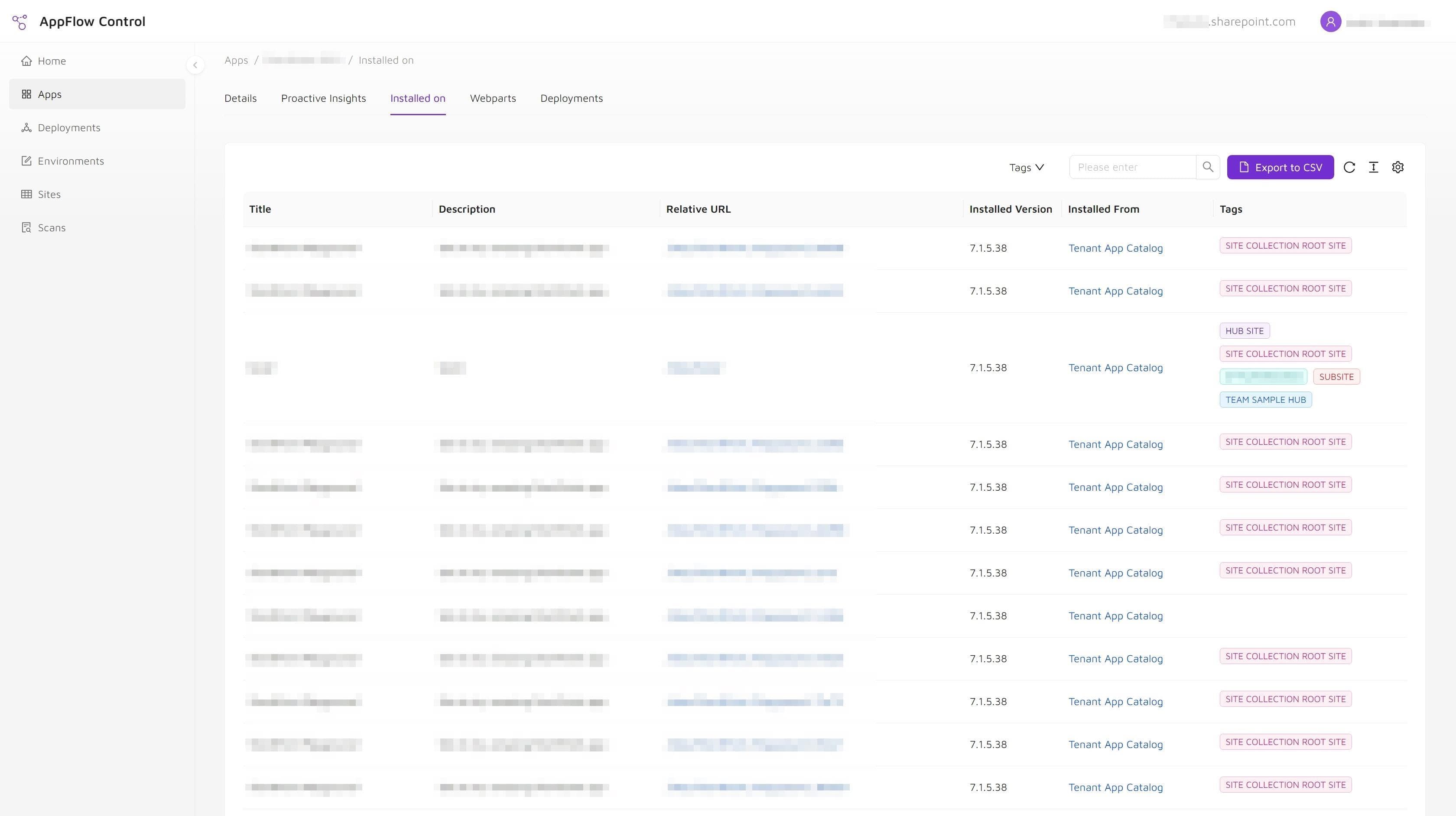
- Track where SharePoint apps and webparts are active.
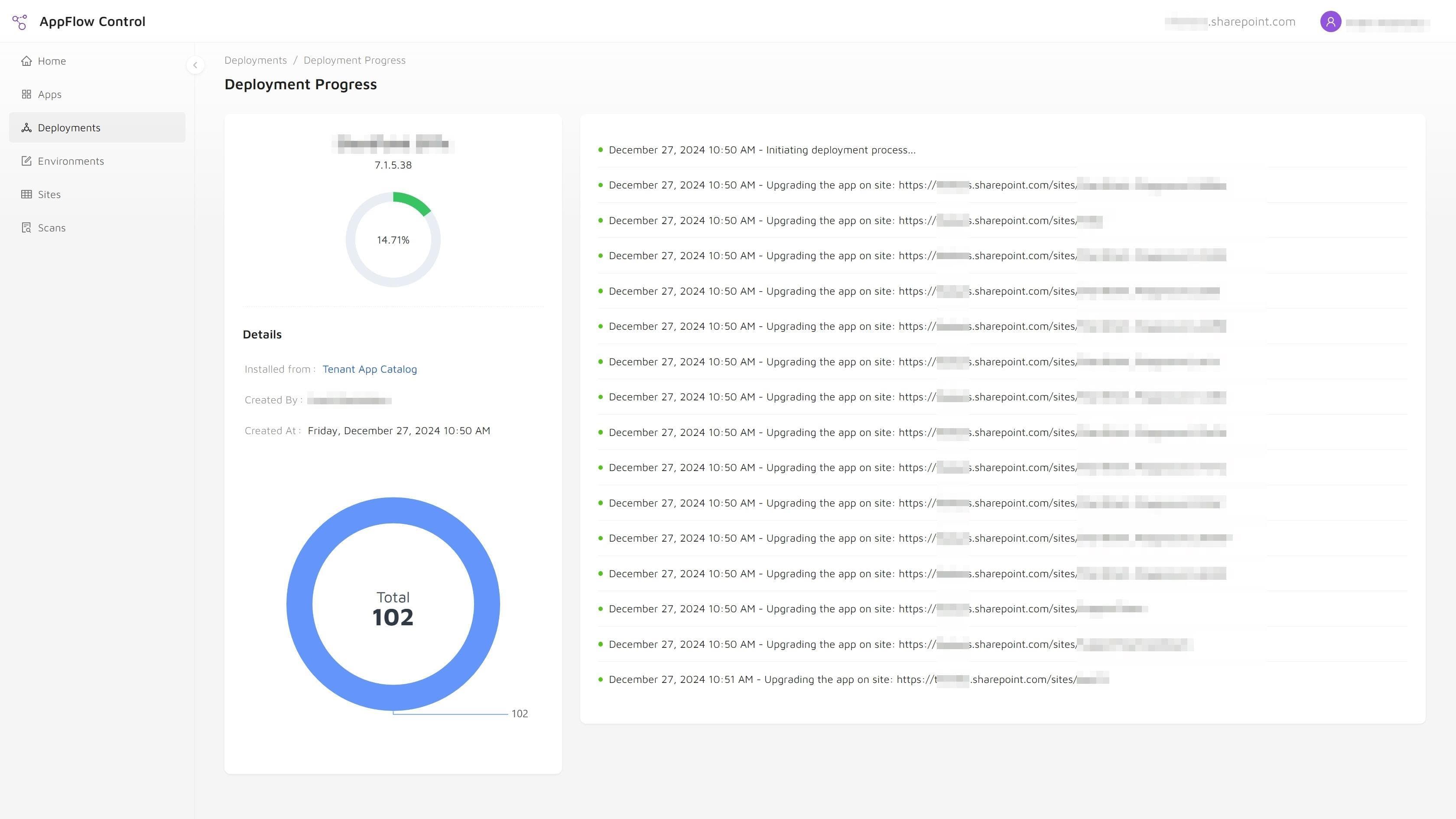
- Run bulk installs and upgrades across many sites.
- Reduce reliance on one-off scripts and manual inventory work.
The problem it solves
AppFlow Control improves SharePoint administration with better visibility and rollout control.
SharePoint application work becomes expensive when administrators have to stitch together incomplete inventories, scattered rollout steps, and reactive troubleshooting. AppFlow Control gives teams one place to review app state, plan changes, and move faster with less risk.
Fragmented app inventory
Risky bulk changes
Slow troubleshooting loops
Feature set
AppFlow Control features for SharePoint administration and rollout workflows.
These capabilities help teams move from fragmented app management to inventory, usage, and rollout decisions they can repeat with confidence.

Comprehensive visibility

Proactive issue detection

Lifecycle management

User-friendly interface
Technical specifications
AppFlow Control technical requirements and deployment fit.
Supported environments
- SharePoint Online
- Tenant and site collection app catalogs
- Microsoft 365 administrator workflows
Operational capabilities
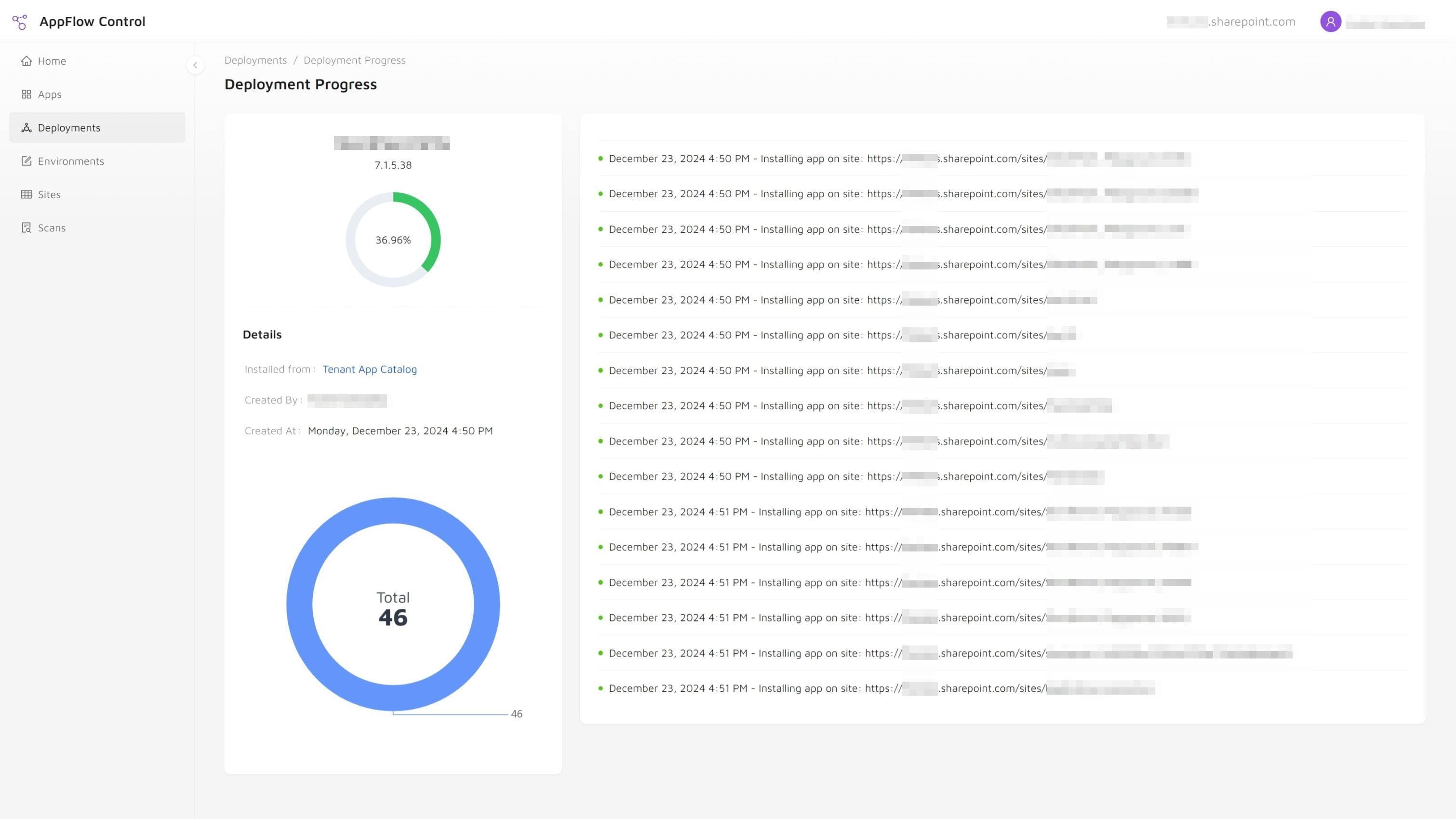
- Bulk app installations and upgrades
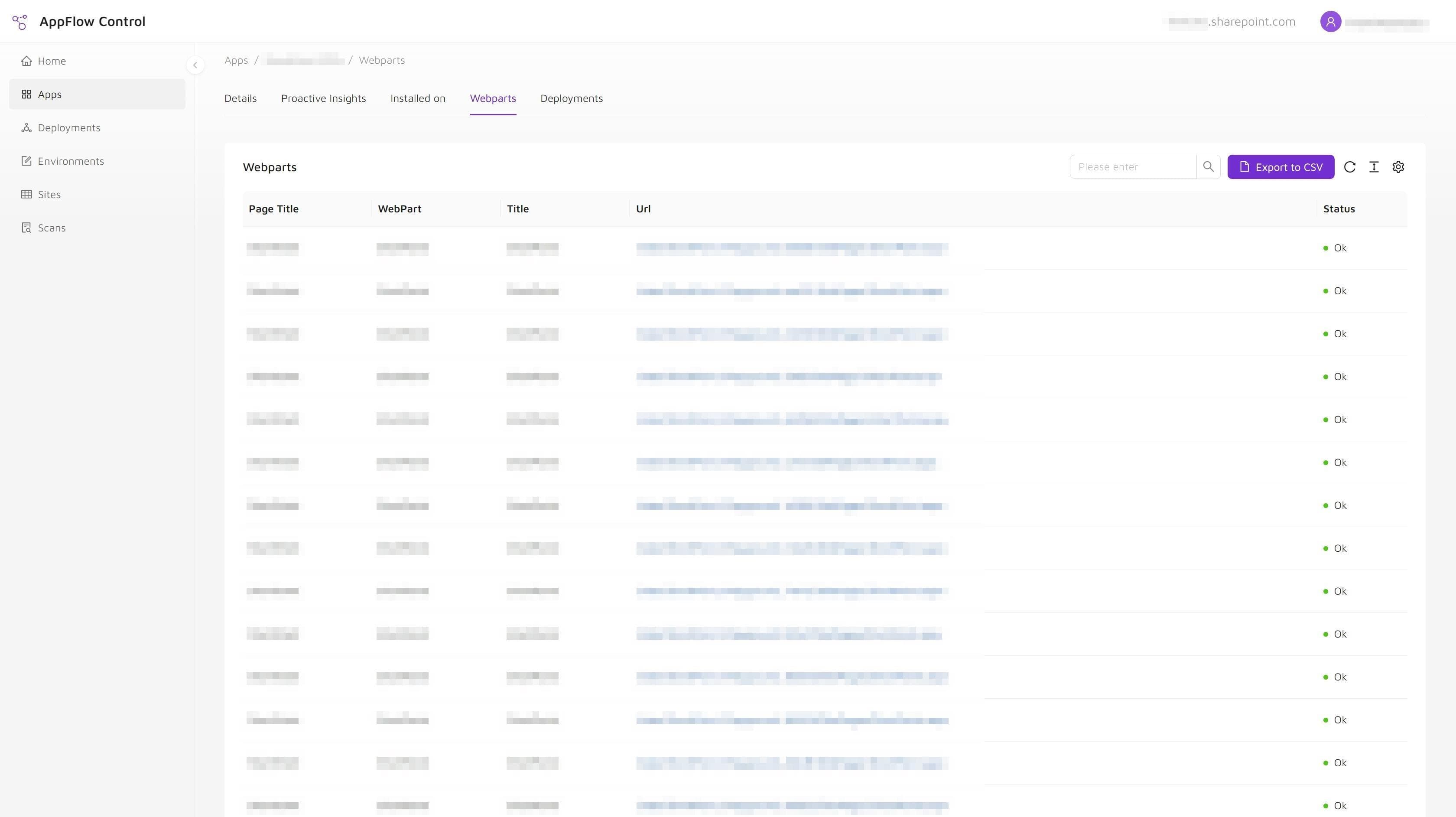
- Webpart usage discovery
- Deployment progress tracking
Implementation fit
- SharePoint estates with many sites or teams
- Governed rollout processes
- Administrators replacing manual PowerShell-heavy workflows
Documentation
AppFlow Control documentation for rollout and daily administration.
AppFlow Control guides show how to handle deployment, installation visibility, and day-to-day SharePoint administration tasks with clearer evidence.
Related guides
AppFlow Control articles for SharePoint troubleshooting and rollout guidance.
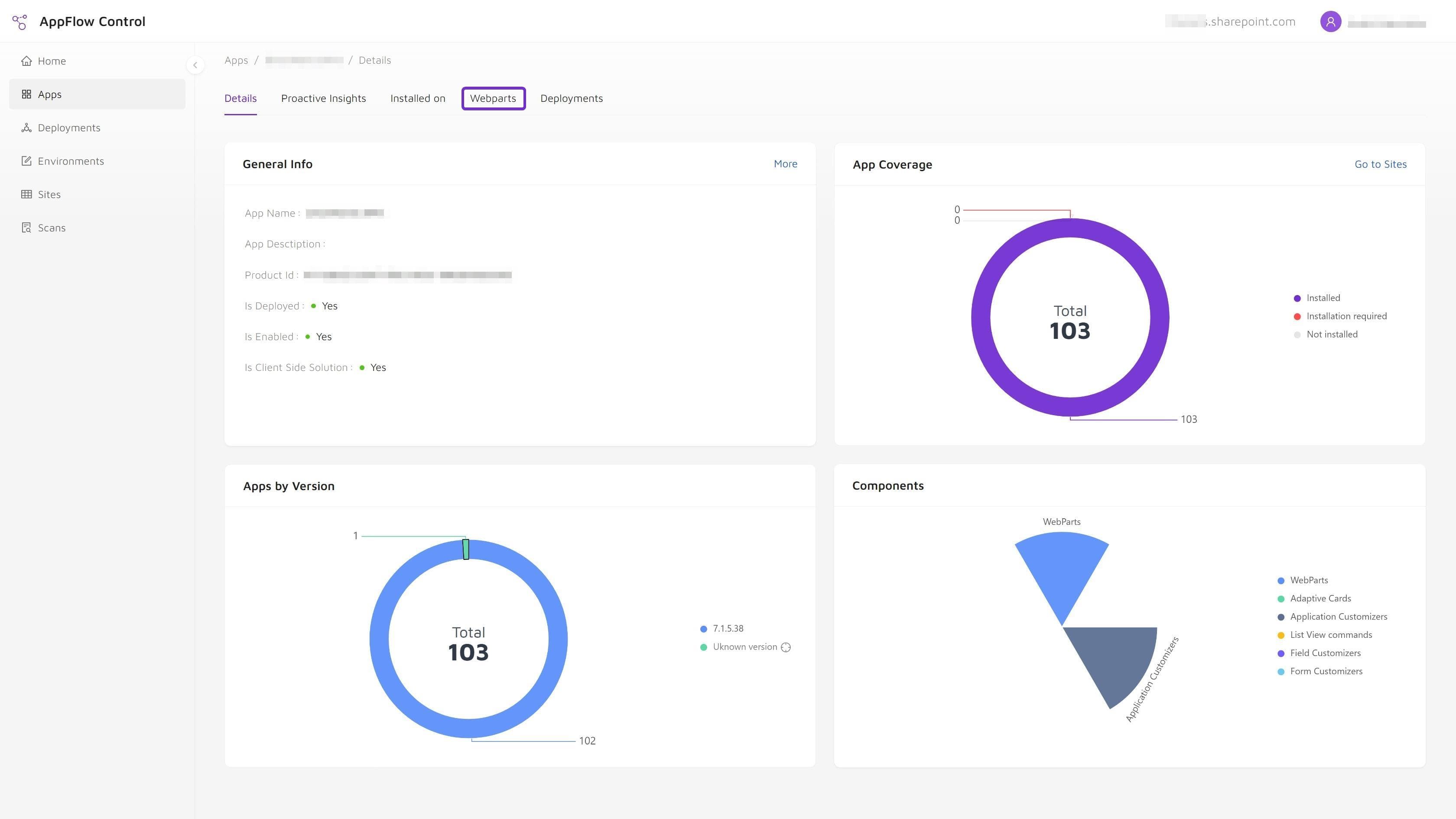
Use these guides when you need to scope an upgrade, audit installations, find web part usage, or reduce manual rollout work.
FAQ
AppFlow Control FAQ for evaluation, deployment, and rollout.
What does AppFlow Control help SharePoint administrators do?
AppFlow Control helps administrators locate app installations, inspect webpart usage, and run bulk deployment actions with more visibility across large SharePoint environments.
Does AppFlow Control replace PowerShell for every SharePoint task?
No. AppFlow Control is designed to reduce the need for repetitive manual scripting in common operational workflows, while giving administrators a clearer control surface for the tasks they perform most often.
Where can I find technical guidance for AppFlow Control?
The articles hub includes AppFlow Control guides covering deployments, app installation visibility, and SharePoint troubleshooting workflows.