
SharePoint administrators rarely struggle because they cannot deploy an app at all. The bigger problem is that deployment is only one part of app lifecycle management. Once an environment grows, teams need to know where apps are installed, which pages still use their components, how to update them consistently, and what will break if they remove something.
That is where the native experience starts to thin out.
If you are working through those issues already, AppFlow Control was built around the same operational questions: inventory, usage visibility, safer rollout control, and less dependence on one-off scripts.
The Visibility Gap In Native SharePoint App Management
Native SharePoint app management gives administrators catalogs, package deployment, and APIs. What it does not give them is a strong day-to-day control plane for lifecycle questions.
That gap shows up in several ways:
- teams can confirm that a package exists, but not always where it is actively used;
- install state and real business dependency are treated like the same thing, even though they are not;
- administrators often have to stitch together context from app catalogs, site owners, search, and scripts before they can approve a change.
This is why app management starts to feel harder even when the technical deployment model itself is understood.
Why Deployment Is Only One Part Of Lifecycle Control
Installing an SPFx package is the easy part compared with the ongoing work around it.
After rollout, administrators still need to answer questions such as:
- Which site collections already have this solution?
- Which pages actually use the web part?
- Can we update the app everywhere during one change window?
- Is it safe to uninstall or retire the solution?
Those are lifecycle questions, not package-upload questions. They are also the questions that tend to drive governance reviews, support escalations, and change-management delays in larger tenants.
For example, a deployment report may tell you an app is available in the environment, but it still does not give you the page-level dependency view described in how to find where a SharePoint web part is used before you update or remove it.
Why PowerShell Becomes The Default Operating Model
When native tooling does not surface the answer directly, teams fall back to PowerShell, PnP PowerShell, ALM APIs, or custom scripts.
That is not irrational. Scripts are often the only practical route when administrators need to:
- inventory installations across many sites,
- automate repetitive deployment actions,
- or gather evidence quickly for audit or support work.
The problem is not that PowerShell exists. The problem is that repeated operational questions start to depend on script ownership, permissions, maintenance, and careful interpretation of raw output.
That creates what many teams experience as a "PowerShell tax": the answer is technically available, but expensive to reproduce reliably. The pattern is visible in the case study How a SharePoint Admin Team Replaced Weekend PowerShell Audits with Live App Inventory.
The Difference Between Installed And Used
One of the most important distinctions in SharePoint app management is the difference between installed on a site and used on a page.
Those are related, but they are not interchangeable:
- installation tells you where the package is deployed;
- usage tells you where people will actually notice the change.
That difference matters most before upgrades, security-driven patches, or retirement work. A tenant may show that an app is installed widely, while only a smaller set of sites still rely on the web part in production. Conversely, an app can remain quietly embedded on business-critical pages even when its broader rollout history is poorly documented.
To see the two views together, pair how to locate SharePoint SPFx app installations across multiple sites with the web-part usage workflow above.
What Operationally Mature App Management Looks Like
A mature SharePoint app management model does not eliminate scripting or platform complexity. It reduces the number of routine decisions that depend on tribal knowledge.
In practice, that means:
- inventory is easy to review without rebuilding it every time;
- rollout decisions are made with visibility into scope and dependencies;
- updates and removals begin with evidence, not guesswork;
- governance work supports delivery instead of slowing it down.
This is also where service delivery matters. Teams that need help formalizing those workflows usually need both a tool and a process, which is why these questions often sit alongside Microsoft 365 administration support rather than inside a one-off troubleshooting ticket.
Where AppFlow Control Fits
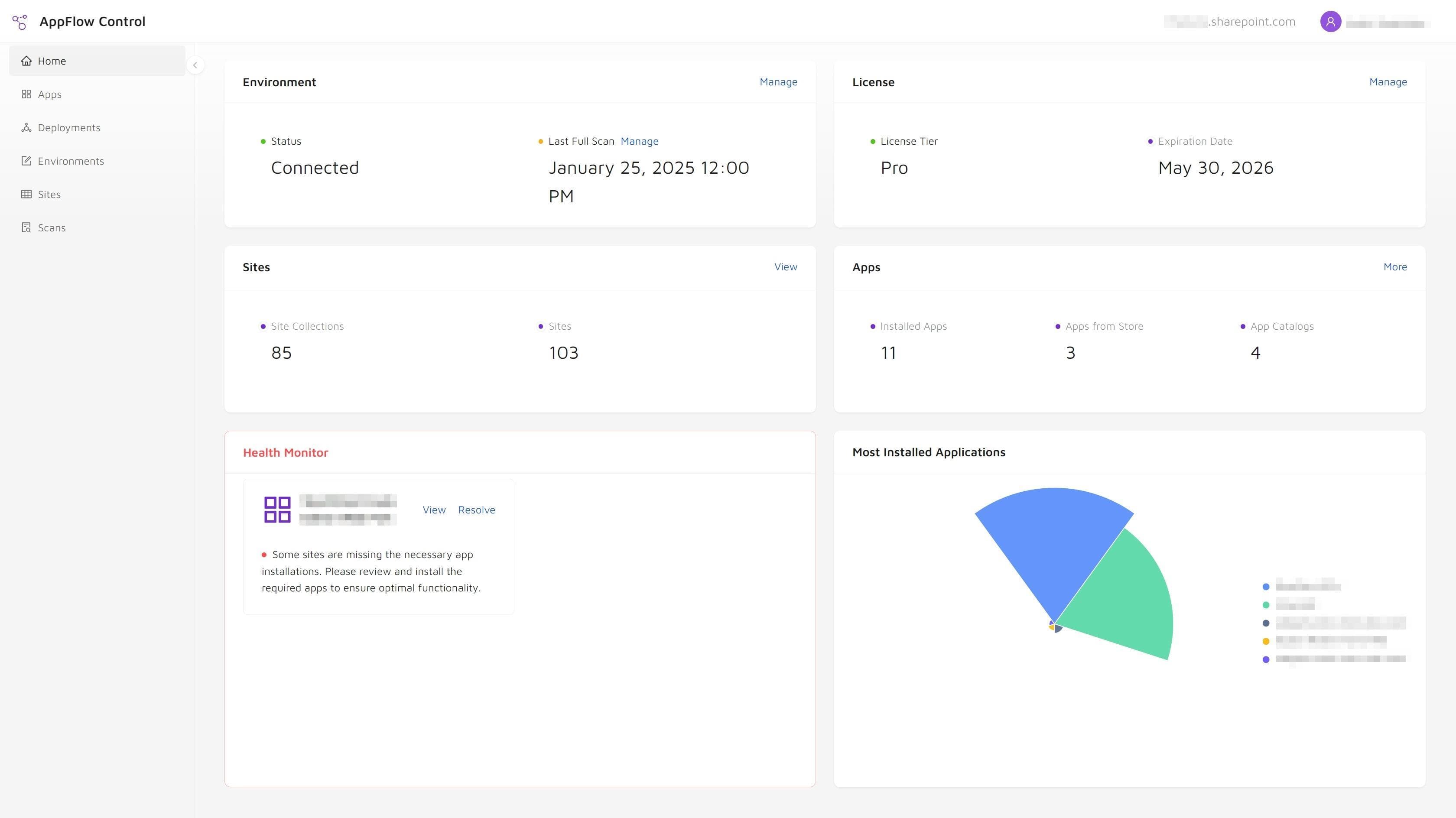
AppFlow Control is designed to cover the layer between raw SharePoint deployment mechanics and the operational questions administrators need answered every week.
It helps teams:
- locate app installations across sites,
- inspect where app components are used,
- run bulk rollout and upgrade actions,
- and manage SharePoint app lifecycle work with clearer evidence.
If that matches the problems in your environment, choose the next guide by the decision in front of you:
- compare PnP PowerShell with UI-driven SharePoint app management when the operating model is the problem;
- review SharePoint governance tools and the app lifecycle visibility gap when policy is not translating into evidence;
- use installed on a SharePoint site is not the same as used on a page when installation and adoption are being conflated;
- or follow the safe SharePoint app retirement workflow before removing a package.
For rollout architecture, continue with SharePoint app catalog vs site collection app catalog. For proof of the visibility-first approach, read the case study on mapping SPFx web part usage before a high-risk update.
Next step
Turn this workflow into a repeatable process with AppFlow Control
AppFlow Control helps administrators move from reactive troubleshooting to visible, repeatable deployment and support workflows across SharePoint environments.